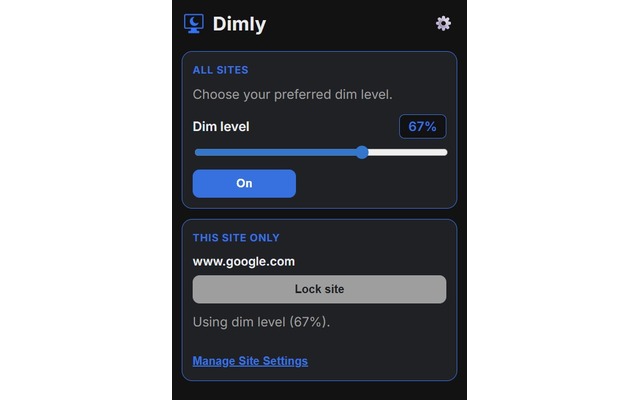
Adjust dim strength
Choose a comfortable dim level from the quick popup whenever a page feels too bright.
Chrome extension for softer browsing
Dimly places a quiet, adjustable layer over bright webpages so late nights, long reads, and harsh white screens feel easier on your eyes.
A calmer layer for the open web
Dimly keeps the page familiar while gently lowering visual intensity. The website stays usable. The glare steps back.
Dimly at a glance
Fine-tune the dimmer, save preferences for individual websites, and schedule calmer browsing for the hours when brightness feels harsh.
Choose a comfortable dim level from the quick popup whenever a page feels too bright.
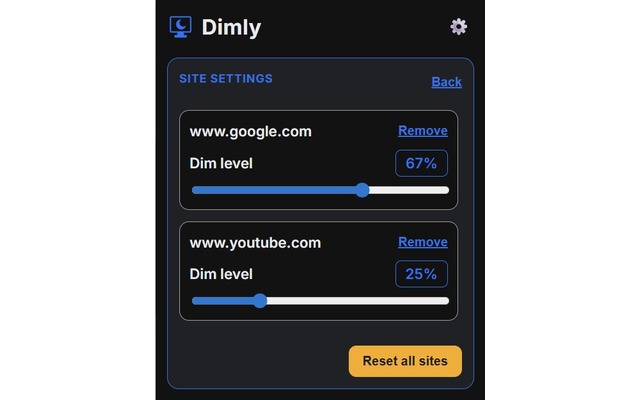
Keep some places bright, soften others, and make each website match the way you browse.
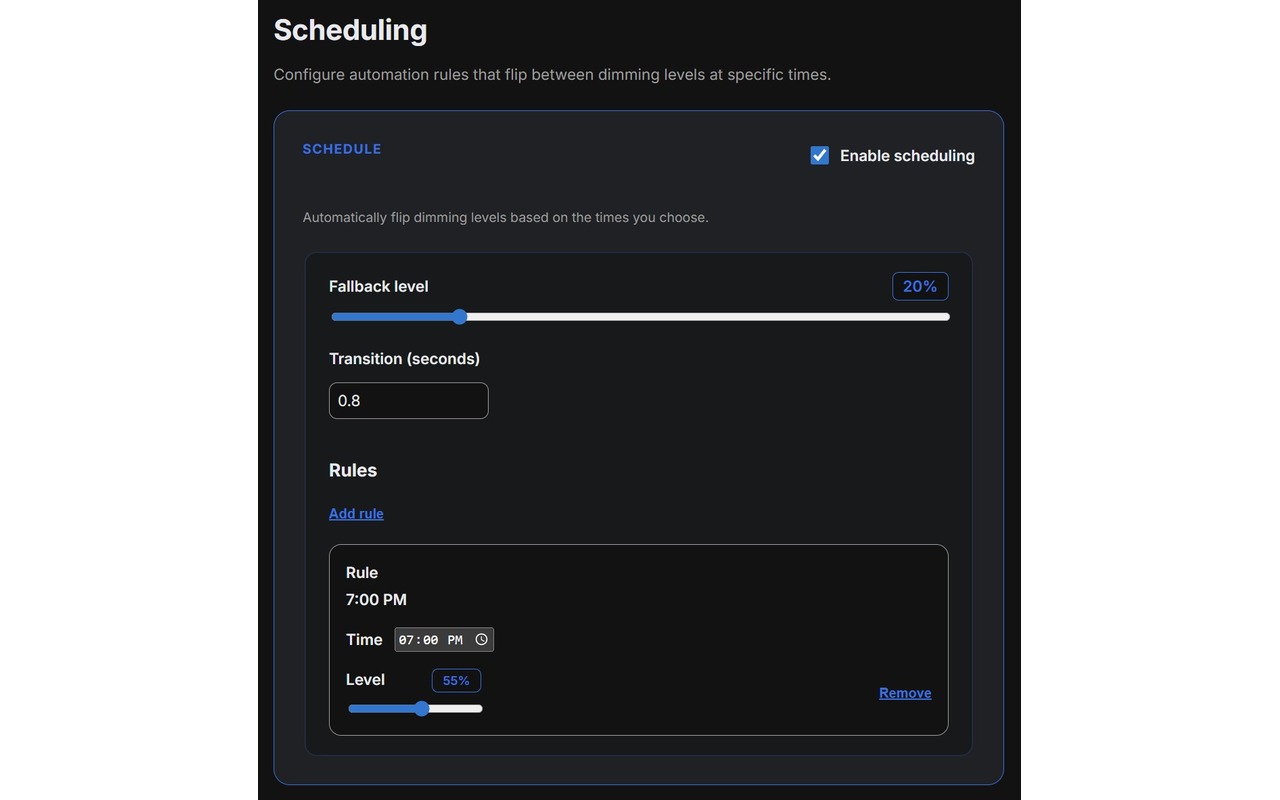
Let Dimly settle in automatically when evenings, late nights, or focused sessions begin.
Designed for real browsing moments
01
02
03
04
Simple by design
Dim pages across your everyday browsing, from articles to tools to documentation.
Choose the amount of softness that fits your room, your screen, and your eyes.
Turn Dimly on or off from Chrome without digging through settings.
No account, no analytics, no extra noise. Dimly stays focused on comfort.
Ready when the screen feels too bright
A small extension for a calmer browser.
Add to Chrome